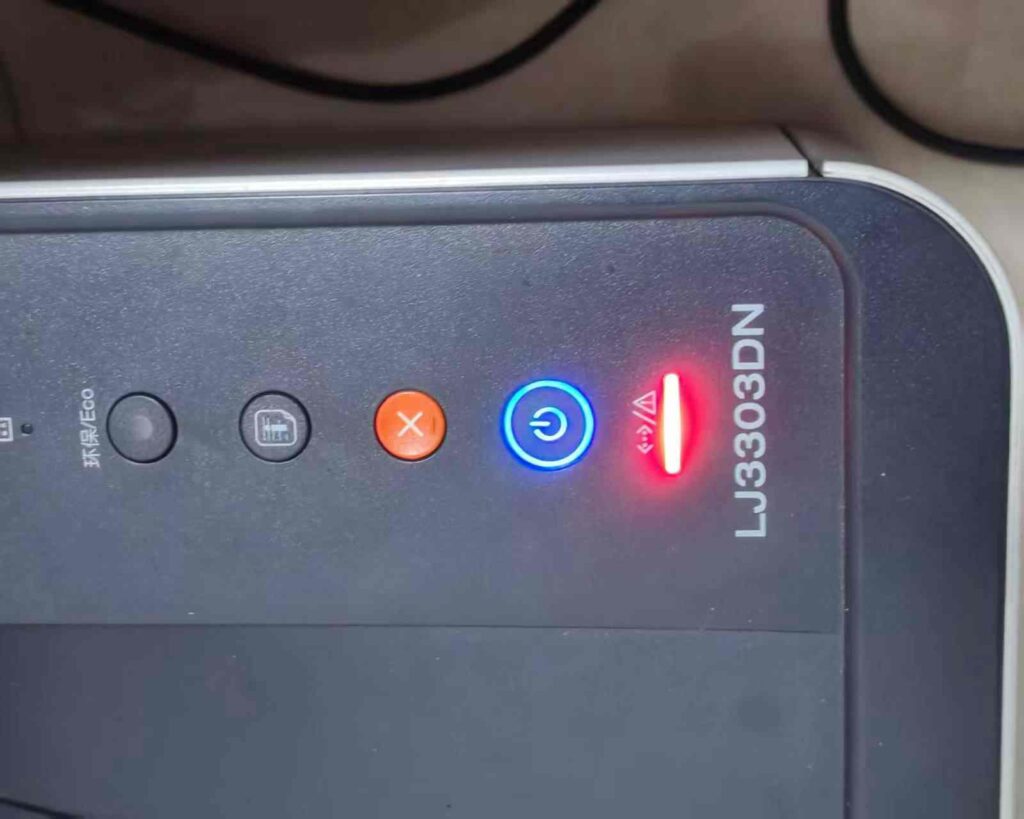
Canon 2810 waste ink reset procedure
1.Turn off the printer, open the side cover and disconnect the power cord from the printer.
2.Press and hold the printer’s RESET button for about five seconds, then release it.
3.Press the power button to turn on the printer, and keep pressing the RESET button until the printer begins to print some test page.
4.Once the print test page is complete, turn off the printer and unplug the power cord.
5.Wait for 15 minutes,and then plug the power cord back in, and turn on the printer.
6.You should now be able to print with the Canon 2810 waste ink reset procedure complete.