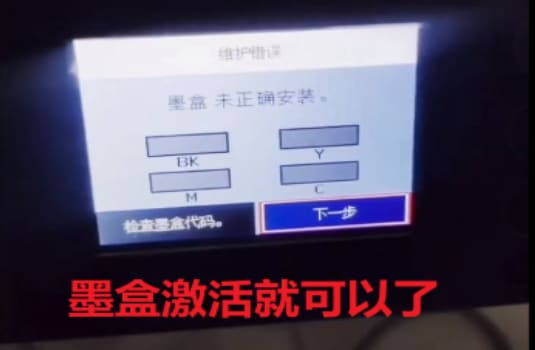
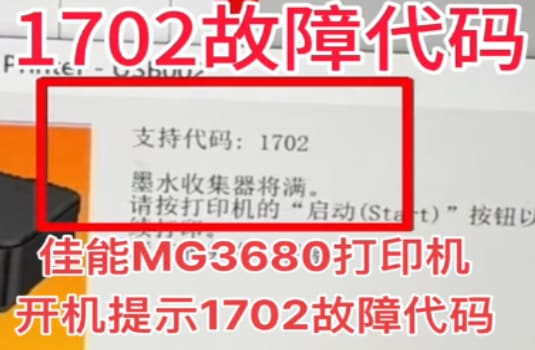
1、Turn on the power switch and wait for the Alarm/Ready LED to be lit.
2、Press (SPACE) and (ONLINE) key for 3 seconds to reset the printer.
3、Press (SPACE) and (ONLINE) key for 3 seconds to enter the service mode.
4、Press (SPACE) and (RESET) key for 3 seconds to reset the printer.
5、Check the LCD display, if it shows a message such as “Ready” or “Ready to Print” then the printer is now ready for use.
6、Press the (FEED) key to print a self-test page.
7、If the self-test prints correctly, the printer is now ready to use.
8、Turn off the power switch.
9、Wait at least five seconds before turning the power switch back on.
10、Once the Alarm/Ready LED is lit, the printer is ready to print.
11、If you have any other questions, please consult your printer’s user manual for more information.